Contact Details Refresh
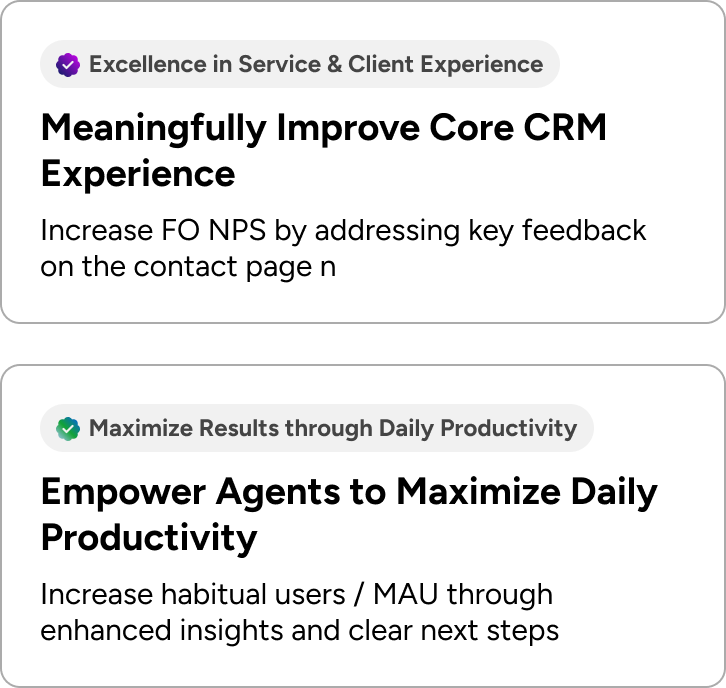
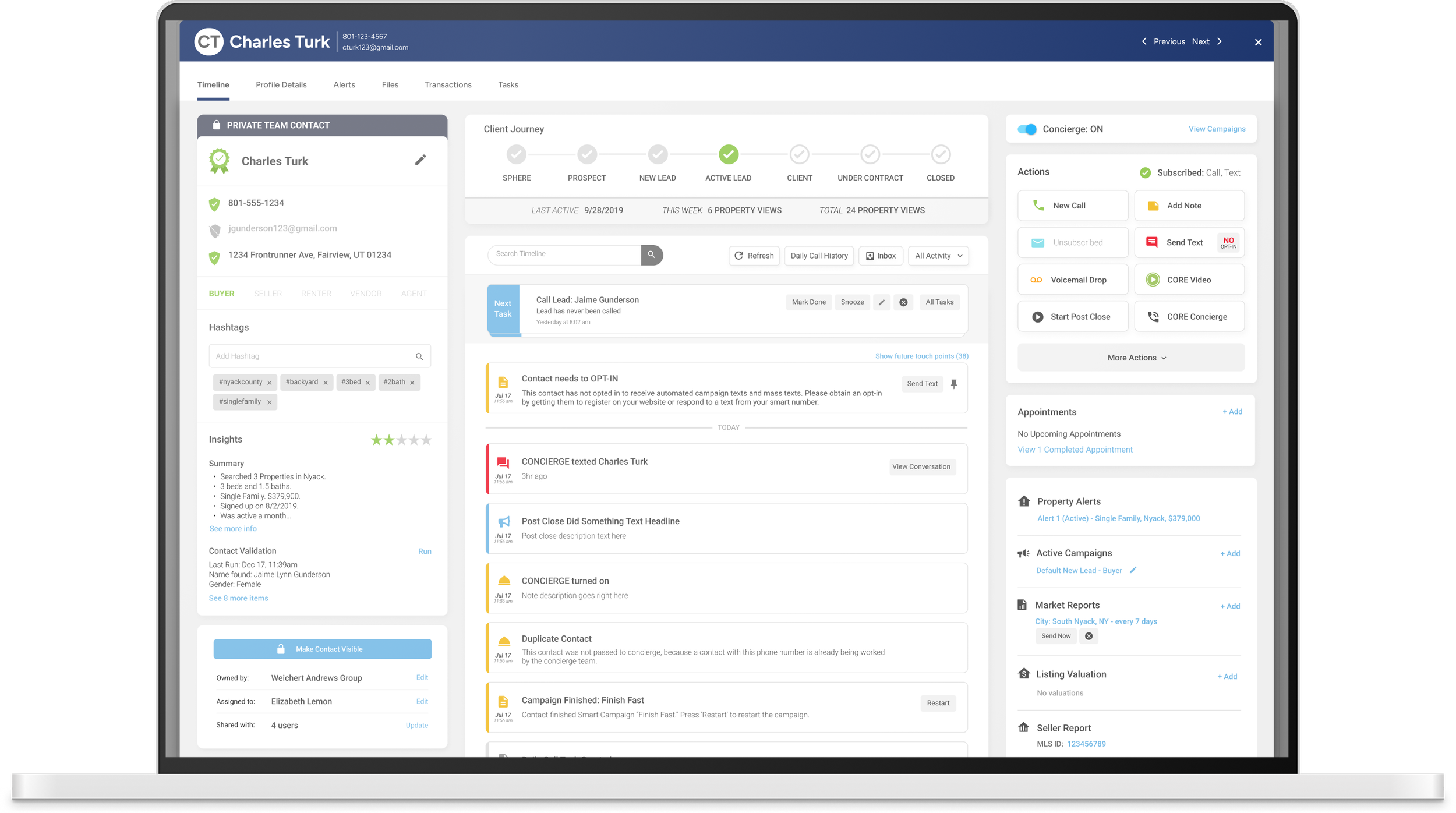
Clean up the Contact Details, after introducing a page view to maximize space, and present all of the relevant information in a clear, concise manner, focusing on status overview, increased insights into behaviors, improved navigation, mobile browser scaling on the contact details page, and a streamlined timeline history.
Team Leads
Director of Product - George Mountis
Director of UX/UI - Josh Campbell
Senior UX/UI - Designer - Zach Spanton
Development Manager - Andrew Hartnett
Engineering Managers - CRM1 Team
Product Manager - Scott Jackson



Target Audience & Problem Statement
As we gather input from some of our top-performing teams to become our advocates, they consistently emphasize the importance of simplicity: "less is more, minimize clicks, and present the most relevant info at the top to help understand the Contact." Therefore, the top section should include quick actions, status overview, and insights into their behaviors, such as average price, favorites, inquiries, and visits. In order to introduce improved experiences within the Contact Profile page, we need to introduce these new features in phases to ensure that the user experience isn’t distributed.
Key Insights
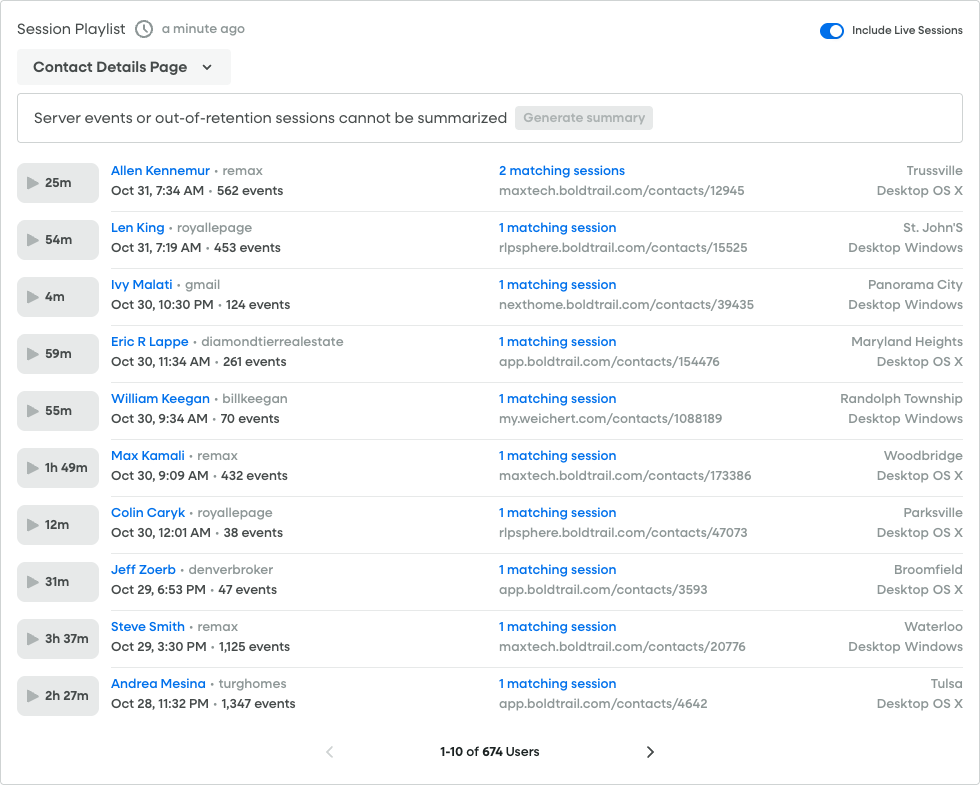
We monitored current sessions through Full Story and started to identify pain points in the current Contact Details page design.
50,570 users accessing the Contact page
9,536 users encountered an error click
1,876 users encountered a rage click
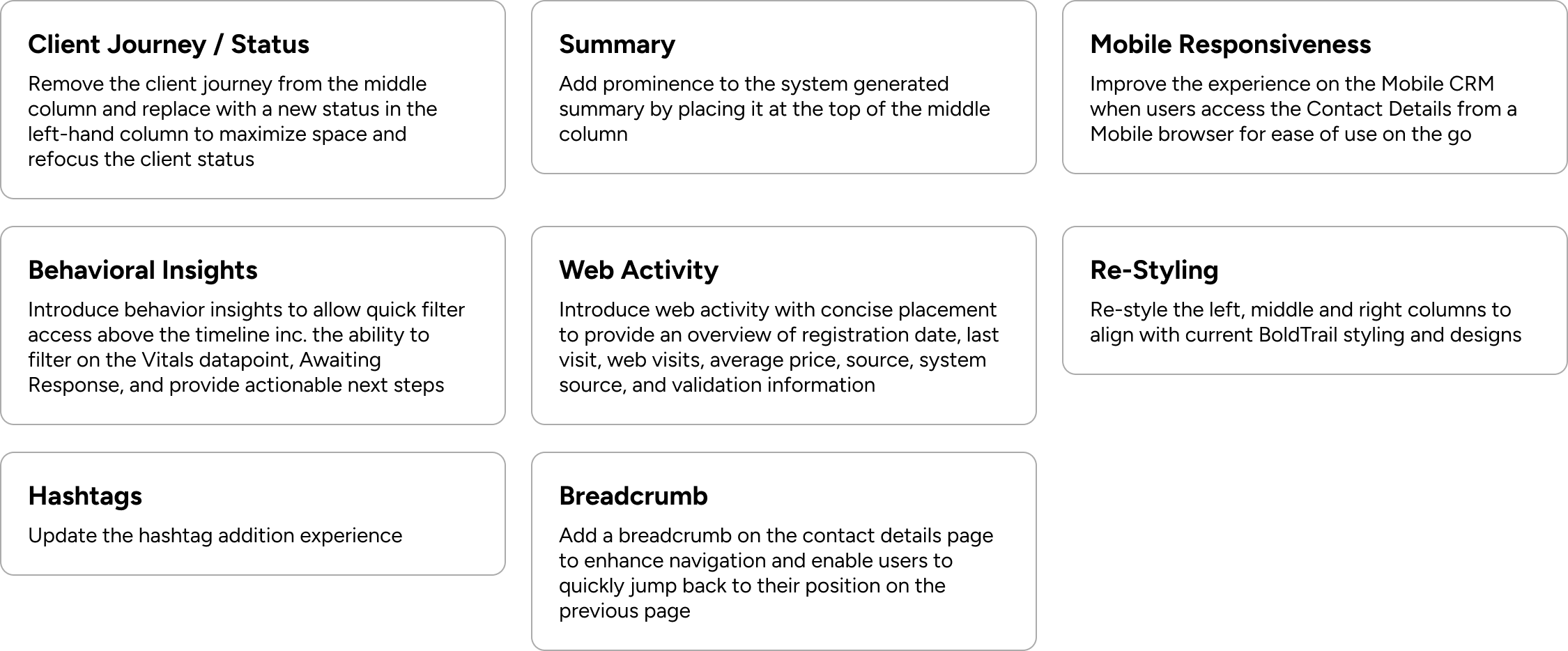
Users are unclear on the Client Journey and how it aligns with their existing workflows
Mobile responsiveness is important for Agents accessing the page from a mobile browser
Inclusion of Vitals “Awaiting Response” on Contact page is key for Agent accountability and clear next steps
Emphasizing most relevant information about contact is crucial inc. web activity, contact information
Adding “Summary” section improves visibility of high-level summary of contact’s most relevant and important information
Introducing breadcrumb solves for navigation issues from the Dashboard (and other pages)
Scope
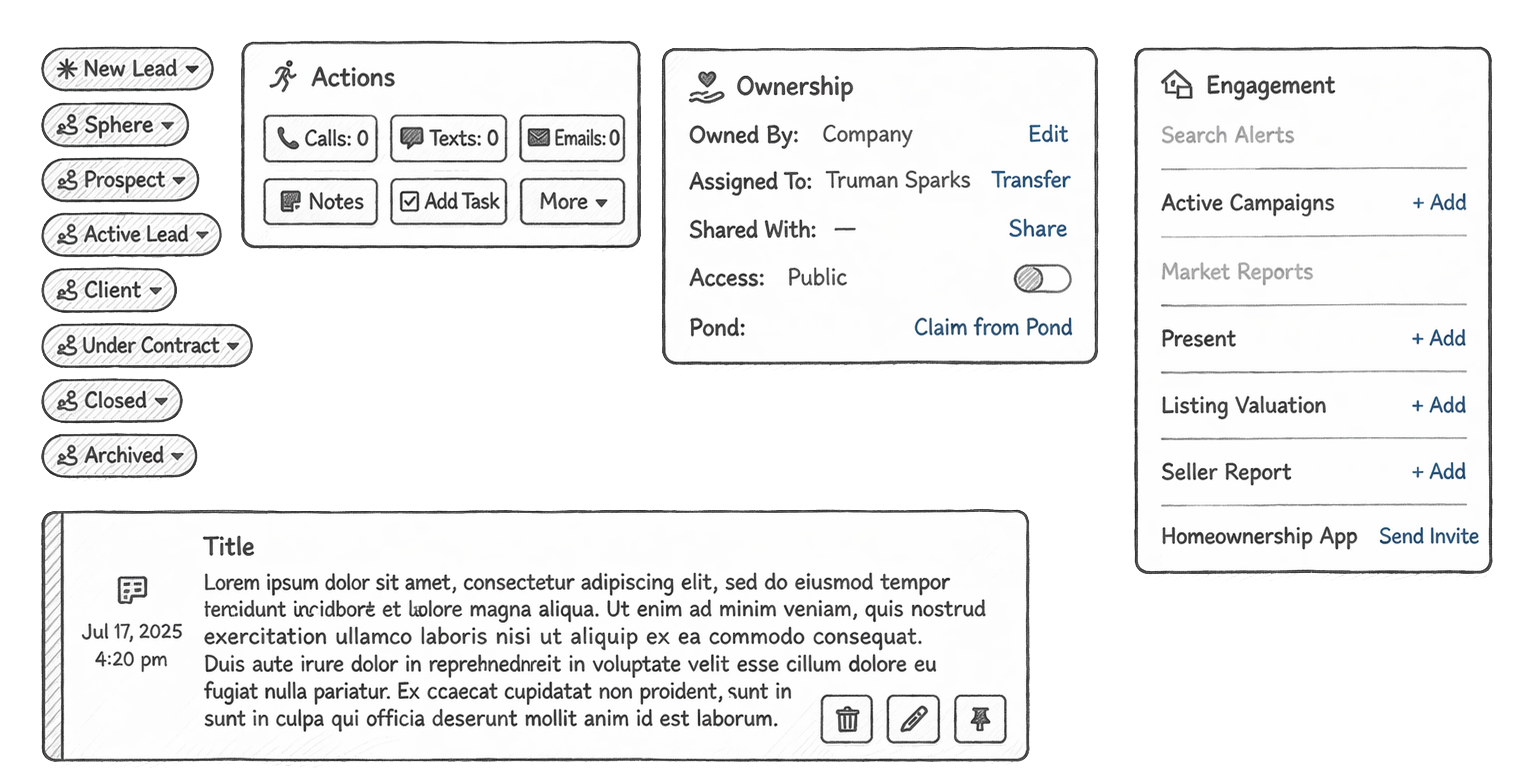
Wire Framing & Sketching
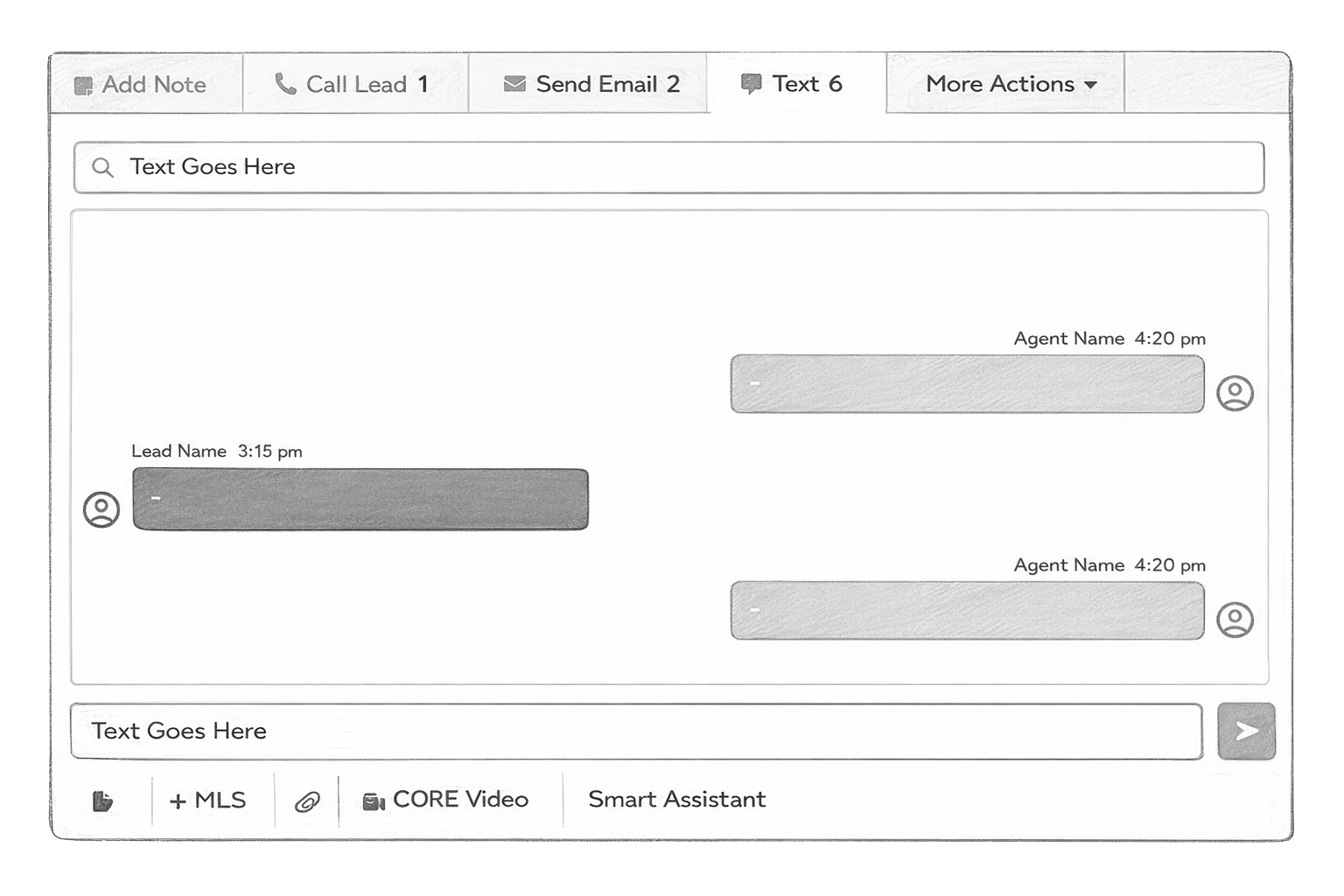
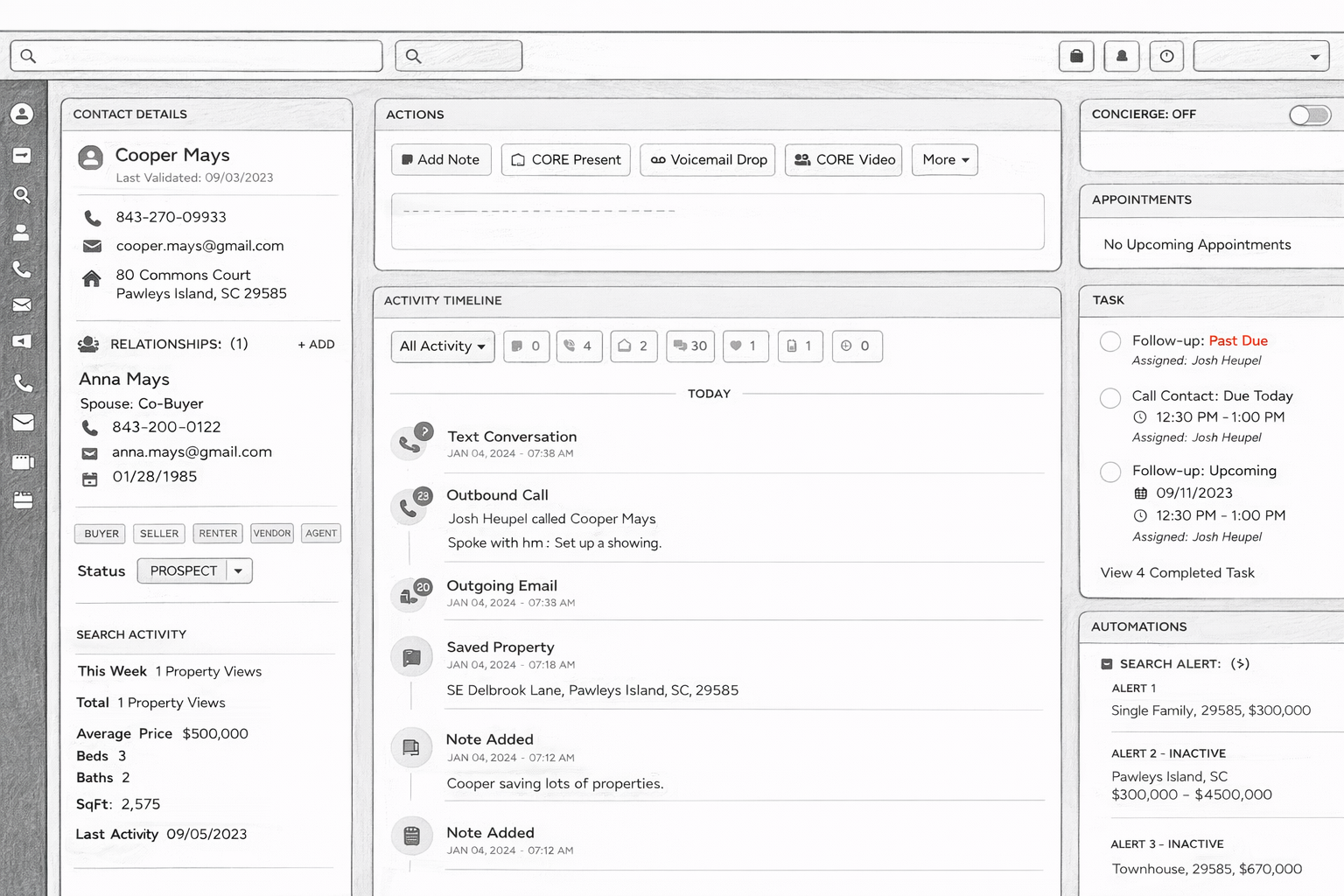
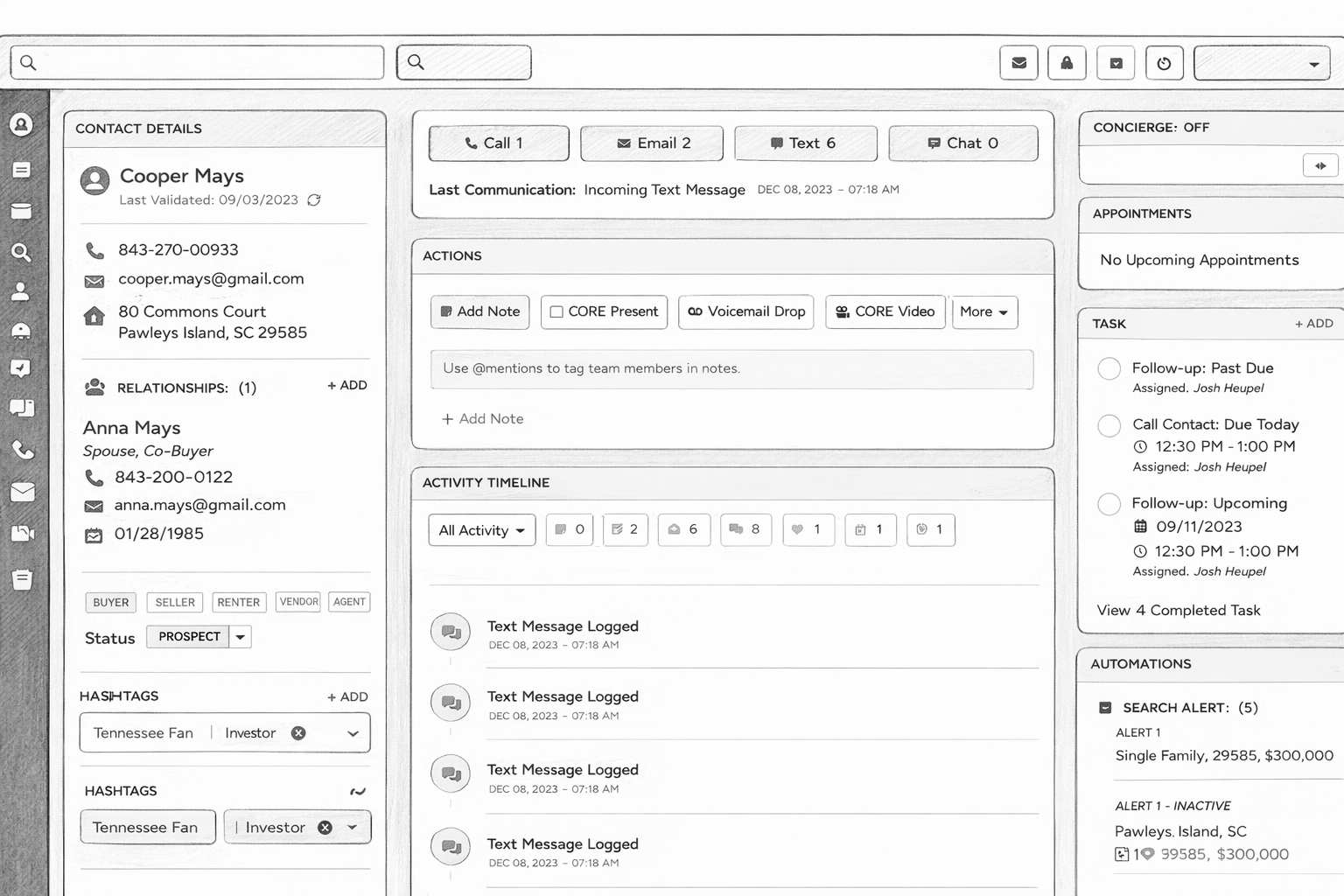
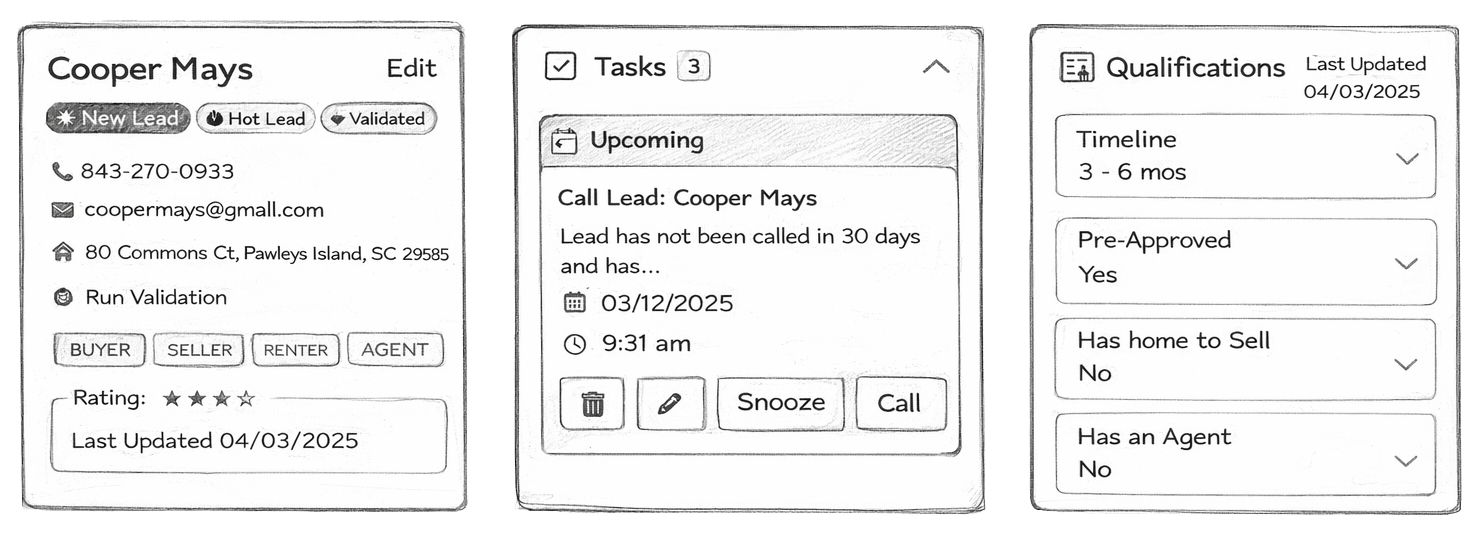
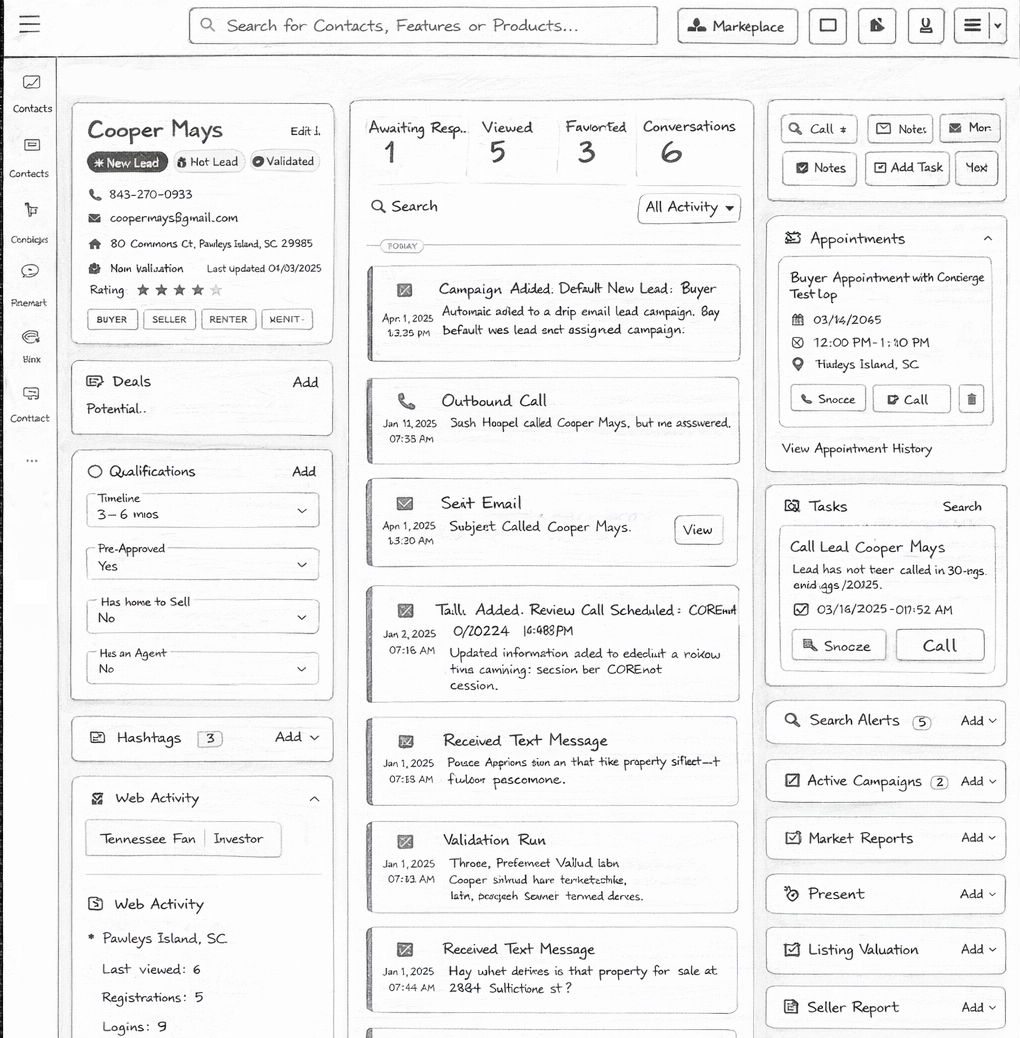
Final Approved Wireframe
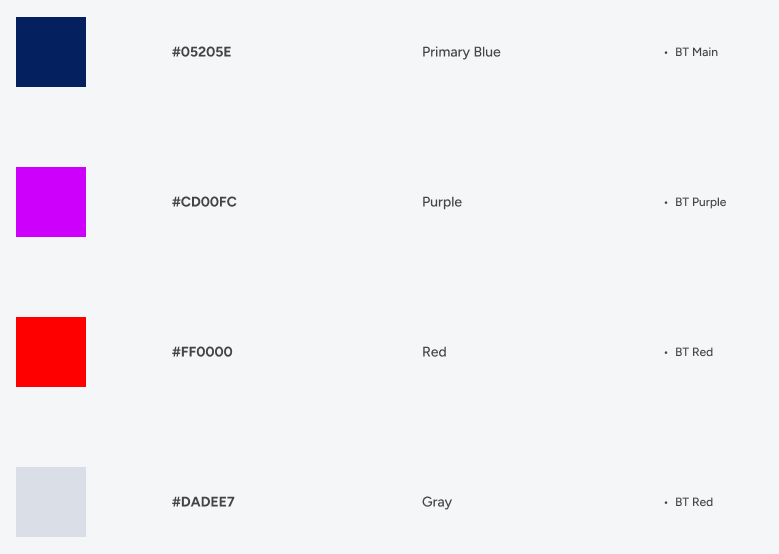
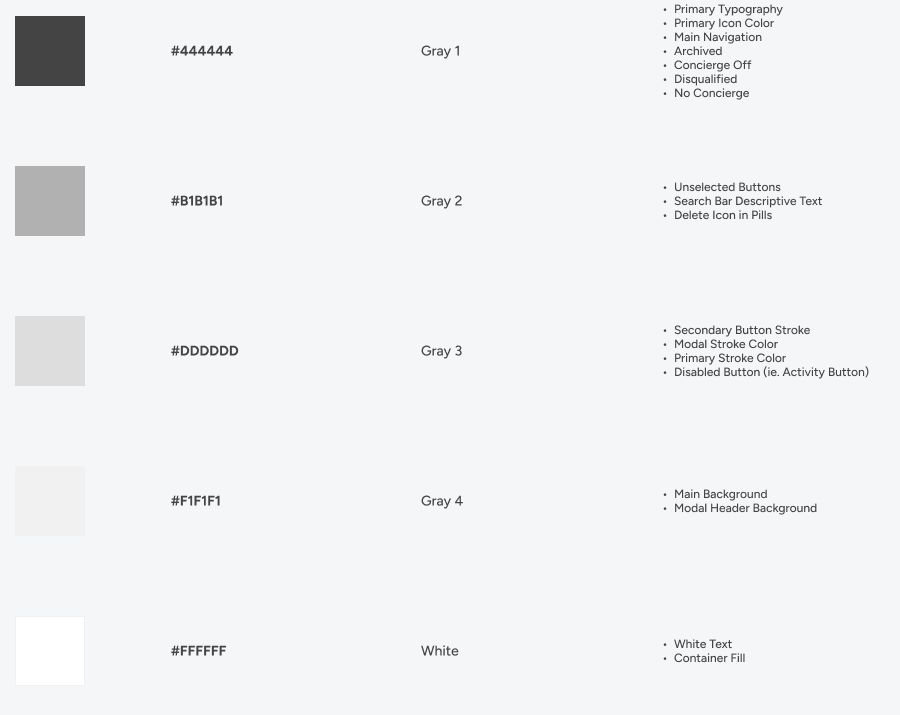
Applying the BoldTrail Design System
Applied the BoldTrail design system to high-fidelity wireframes, translating foundational components and patterns into cohesive, production-ready designs. Focused on consistency, usability, and scalability—ensuring each screen aligned with system standards while supporting real-world user flows.
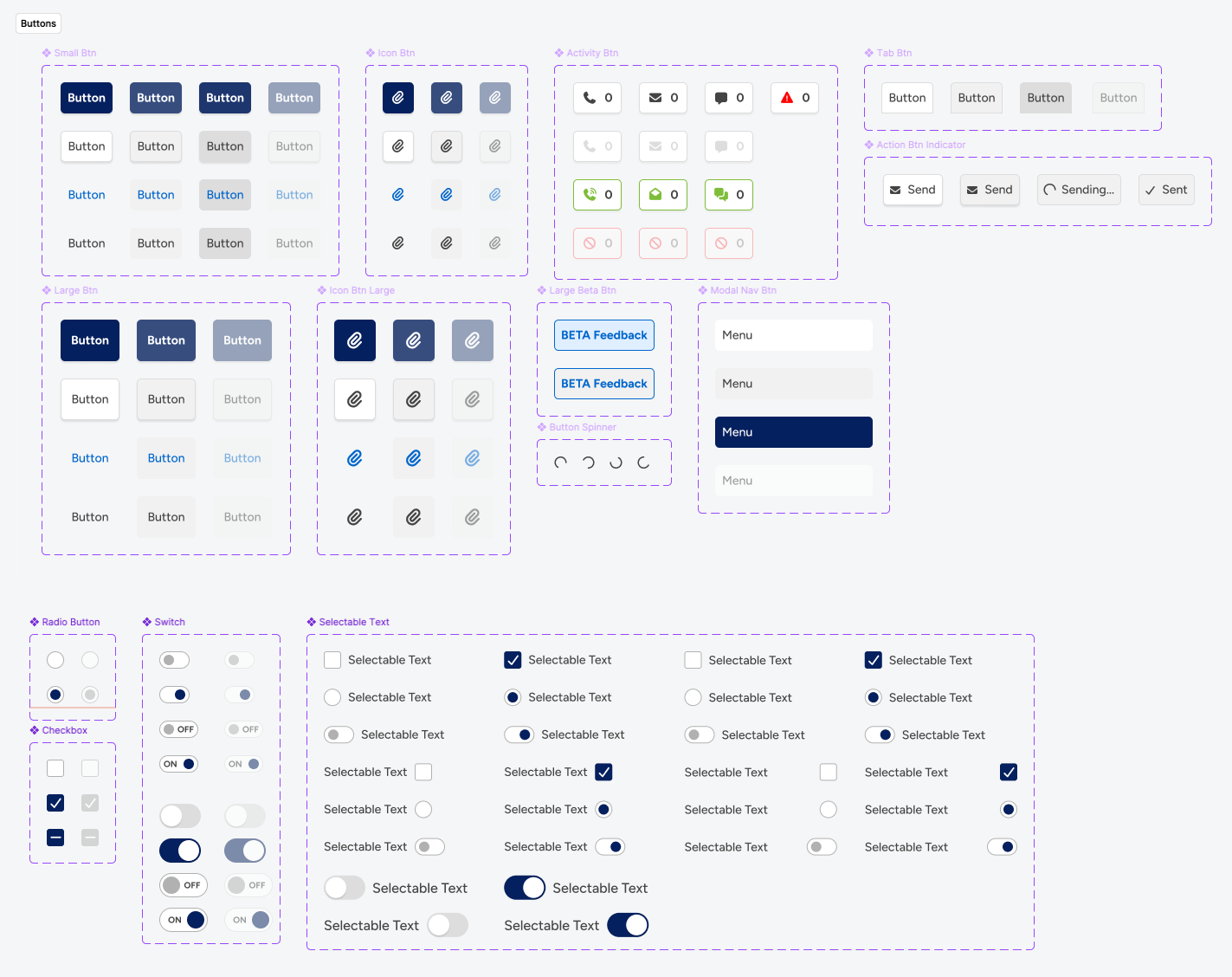
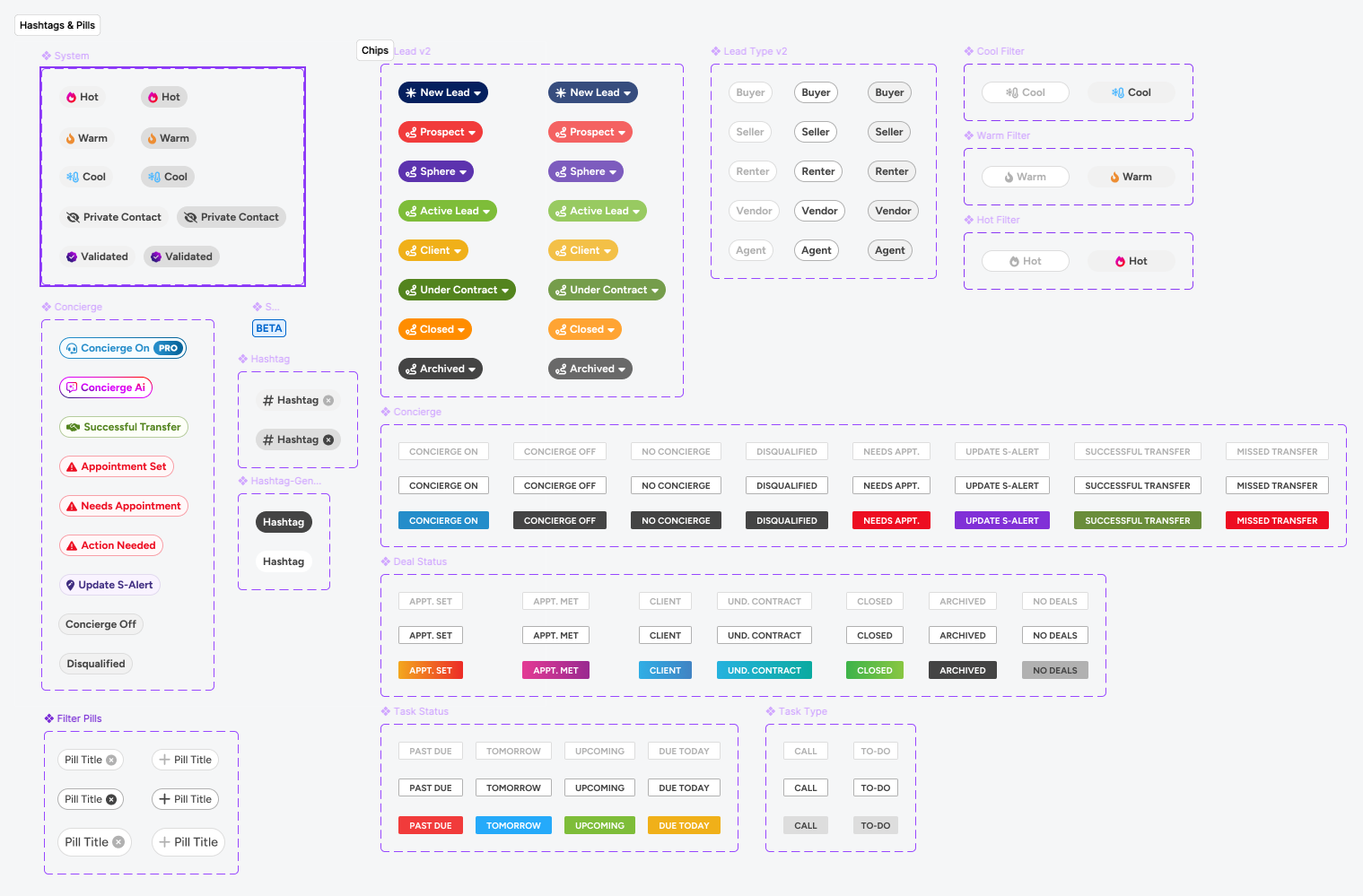
Shipped March 14, 2025